Desk Treadmill vs Standing Desk Converter: Technical Guide
Choosing between active walking systems and static platform converters transforms office ergonomics. Understanding motor specs, frame loads, and joint impact helps optimize your daily health routine.

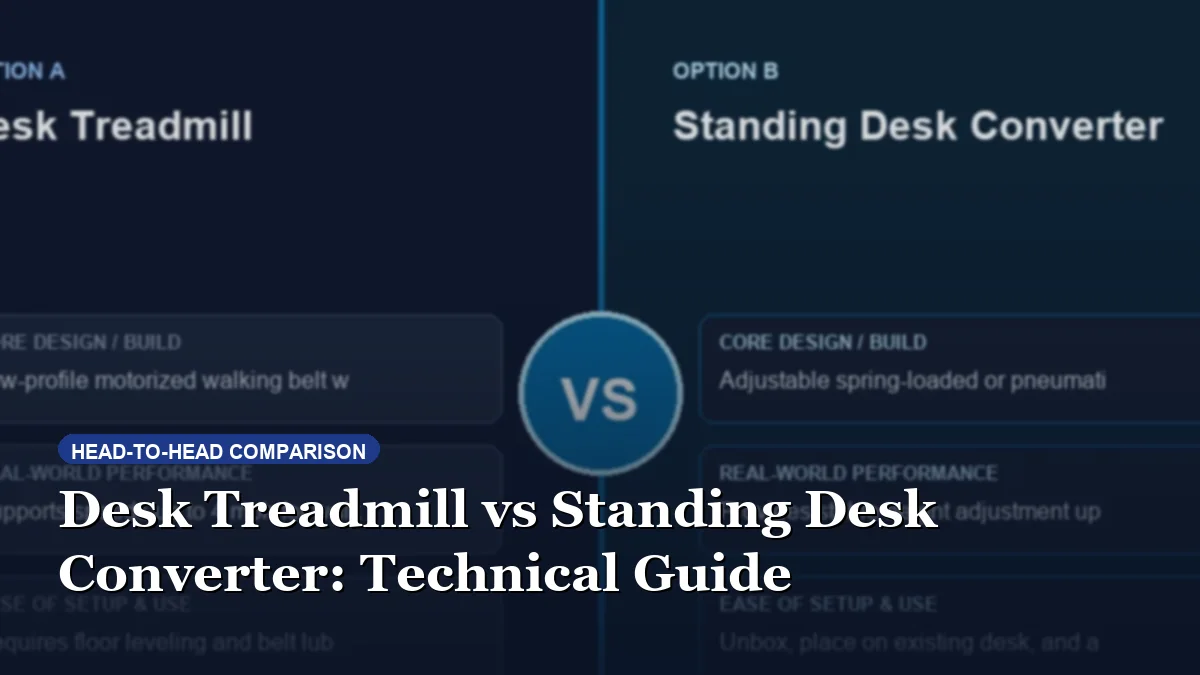
Choose the desk treadmill if you prioritize continuous low-intensity movement and calorie burn. Select the standing desk converter if you require absolute stability and precise desktop typing ergonomics.
Compare all top models in our Best Treadmill: Top Home Fitness Picks (2026 Guide).
Side-by-Side Breakdown
| Criteria | Desk Treadmill | Standing Desk Converter | Edge |
|---|---|---|---|
| Core Design / Build | Low-profile motorized walking belt with steel frame | Adjustable spring-loaded or pneumatic desktop tier | Split |
| Real-World Performance | Supports speeds up to 4 mph for walking | Provides stable height adjustment up to 20 inches | Split |
| Ease of Setup & Use | Requires floor leveling and belt lubrication checks | Unbox, place on existing desk, and adjust levers | Side B |
| Durability & Reliability | Brushed or brushless motors require periodic belt service | Mechanical gas springs need occasional tension resets | Side A |
| Efficiency / Operating Footprint | Consumes 150-300 watts under load on floor space | Zero electrical draw utilizing manual gas struts | Side B |
| Maintenance Requirements | Silicone oil lubrication every 50 to 100 miles | Dust wipe-downs and pivot hinge bolt tightening | Side B |
| Best Ideal Use Case | Multitasking light admin work while walking at 1.5 mph | Intensive data entry requiring zero keyboard bounce | Split |
Core Design and Engineering Differences
Desk treadmills feature compact frames, low-horsepower motors, and specialized walking belts engineered for low speeds. These units integrate continuous DC motors designed to maintain smooth torque without overheating during extended low-speed sessions.
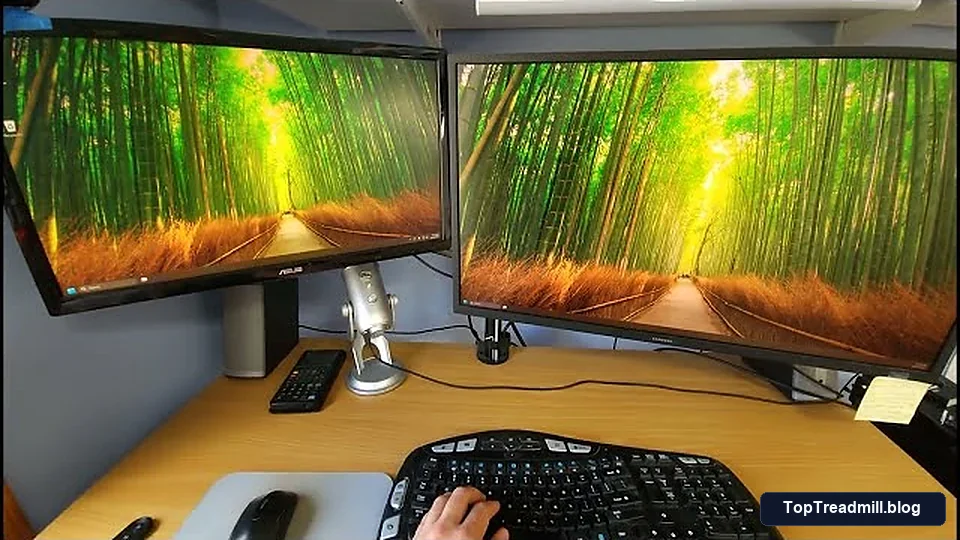
Conversely, options found in our best standing desk treadmill guide rely on pneumatic gas springs, scissor lifts, or motorized columns. They sit directly on top of existing office furniture.
Engineering priorities differ drastically between these two office fitness categories. Treadmills focus on vibration dampening and belt tracking, while converters prioritize load capacity limits and vertical stability during typing.
- Desk treadmills utilize low-profile decks under 5 inches high to fit beneath standard desks.
- Converters use dual-gas piston struts to lift dual-monitor setups weighing up to 45 pounds.
- Walking pads incorporate acoustic dampening layers to reduce footfall noise in shared offices.
Motor Mechanics versus Gas Springs
Active walking bases rely on continuous horsepower ratings to sustain belt movement under a user's weight. Choosing a model with a brushless motor ensures quieter operation and a longer mechanical lifespan.
Static desktop risers eliminate electrical components entirely by utilizing mechanical tension. This design reduces failure points but requires manual physical effort to adjust heights throughout the working day.
- Treadmills require dedicated electrical circuits to handle startup amperage safely.
- Gas spring struts in converters slowly lose pressure over several years of daily adjustments.
Frame Rigidity and Material Science
Walking pads demand heavy-gauge steel chassis to prevent structural flex under repetitive impact forces. High-density fiberboard decks absorb heel strikes to protect your lower joints from chronic strain.
Desk converters use extruded aluminum columns and laminated particle board platforms. Their primary structural goal is resisting horizontal wobble when resting heavy forearms on the upper keyboard tray.
- Steel treadmill frames often weigh upwards of 70 pounds for added stability.
- Converters prioritize lightweight composite woods to avoid overloading existing furniture legs.
Real-World Performance Comparison
Evaluating real-world performance requires examining how each device alters daily work output and physical stamina. Walking while working introduces subtle cognitive adaptations as your brain manages motor coordination alongside complex tasks.
Units featured in our best treadmills for standing desk roundup contrast sharply by introducing active motion, encouraging neutral spinal alignment while minimizing digital eye strain caused by vibrating screens.
Pacing your work hours prevents mental fatigue when using active walking equipment. Alternating between sitting, standing, and slow walking yields the highest productivity and lowest physical discomfort scores.
- Walking speeds above 2.0 mph significantly degrade fine mouse control and typing speed.
- Standing converters allow instant transition between seated and upright postures within seconds.
- Calorie expenditure increases by roughly 100 to 150 calories per hour when walking slowly.
Productivity and Cognitive Load
Multitasking on a walking pad requires habituation to maintain steady keystroke accuracy. Most users find that administrative tasks pair better with movement than intensive software coding.
Converters maintain standard office ergonomics, ensuring your focus remains entirely on your monitor. There is no balancing act required, allowing for uninterrupted deep-work writing sessions.
- Simple spreadsheet review pairs exceptionally well with a 1.2 mph walking pace.
- Precision graphic design demands the absolute stability of a stationary standing converter.
Physical Fatigue and Biomechanics
Walking pads encourage lower limb movement, preventing the blood pooling associated with sedentary sitting. However, walking for hours without proper footwear can induce calf tightness and lower back aches.
Standing converters eliminate chair pressure on your glutes but introduce static leg fatigue. Locking your knees on a hard office floor for hours creates joint stiffness without proper anti-fatigue mats.
- Walking pads require supportive athletic shoes rather than bare feet or dress shoes.
- Anti-fatigue mats are mandatory accessories for maximizing comfort on standing converters.
Maintenance, Efficiency and Longevity
Mechanical longevity depends heavily on routine upkeep schedules and operating environment cleanliness. Walking pads accumulate dust within their motor compartments, demanding periodic vacuum clearance and lubrication checks.
Standing desk converters require virtually zero internal maintenance beyond wiping down laminated surfaces. Their mechanical simplicity translates to fewer component failures over a multi-year service window.
Electrical efficiency heavily favors stationary converters since they draw zero standby power. Treadmills consume phantom energy when plugged in, alongside active motor wattage during walking sessions.
- Walking belts need silicone lubricant applied beneath the running deck every three months.
- Desk converters feature adjustable tension bolts that require occasional tightening with an Allen wrench.
- Motor brushes in budget treadmills wear down over time and require eventual replacement.
Lubrication and Belt Calibration
Maintaining units highlighted in our best treadmill for under desk guide involves keeping the running belt properly centered and tensioned to prevent premature motor strain, belt fraying, and friction.
Static desk converters bypass belt wear entirely, focusing instead on pivot joint longevity. Keeping hinge pins clean ensures smooth vertical travel without sudden slipping or jerky movements.
- Misaligned walking belts can grip the side rails and burn out drive motors.
- Pneumatic struts on converters should never be lubricated with petroleum-based oils.
Power Consumption and Heat Management
Walking pad motors generate localized heat during extended low-speed use, requiring adequate floor clearance. Ensuring unobstructed airflow around the motor housing prevents thermal shutdown during long shifts.
Converters produce zero heat and require no cooling fans or ventilation management. This makes them completely silent and immune to electrical surges or blown thermal fuses.
- Treadmills should be plugged directly into wall outlets rather than daisy-chained power strips.
- Energy draw for walking pads typically ranges between 100 to 300 watts under load.
Ergonomics and Posture Alignment
Ergonomic alignment dictates how comfortably you can sustain a full workday without incurring repetitive strain injuries. Standing desk converters allow you to position your monitor at exact eye level.
Walking pads alter your natural gait cycle, requiring shorter strides to prevent striking the motor housing. Proper desk height becomes even more critical to avoid hunching your shoulders forward.
Combining ergonomic principles with your chosen equipment prevents long-term musculoskeletal disorders. Maintaining neutral wrist angles and a ninety-degree elbow bend remains paramount for both setups.
- Converters support precise monitor arm attachments for optimal eye-level viewing angles.
- Walking pads force a modified arm posture to reach keyboards while in motion.
- Both systems require adjustable seating options for necessary intermittent sitting breaks.
Monitor Height and Viewing Angles
Proper monitor placement stops neck strain by keeping the top third of your screen at eye level. Standing converters excel here by offering independent keyboard and monitor tier adjustments.
Walking pads can cause subtle head bobbing, making small text harder to read if screens are unsecured. Using rigid monitor mounts eliminates screen vibration caused by walking footsteps.
- Converters let you adjust screen distance independently from your primary work surface.
- Walking induced screen shake requires heavy-duty desk clamp mounts for stability.
Spinal Alignment and Core Engagement
Standing upright engages core stabilizing muscles, improving spinal alignment when paired with supportive flooring. However, standing for too long causes lumbar sagging if core muscles fatigue.
Walking gently activates deep stabilizing muscles in your hips and lower back, promoting circulation. The key is maintaining a slow, deliberate pace that avoids exaggerated torso twisting.
- Core fatigue during standing leads to poor posture and lower back discomfort.
- Slow walking encourages natural spinal decompression through rhythmic lower body motion.
Workspace Integration and Footprint
Office spatial constraints often dictate whether choices from our best walking pad for standing desk review or desk converters are viable, since walking models require designated storage spots.
Converters integrate directly into existing office furniture, preserving your current room layout and chair clearance. They add vertical dimension rather than consuming precious floor square footage.
Portability also differs significantly between these two office fitness accessories. Converters can be lifted off desks and stored in closets, while treadmills often require built-in transport wheels.
- Walking pads require at least four feet of clearance behind the desk for safe mounting.
- Converters sit entirely on top of existing desks without altering floor layouts.
- Transport wheels on walking pads facilitate easy sliding underneath sofas or beds.
Spatial Requirements and Storage
Storing a desk treadmill requires flat floor space or enough vertical clearance to lean it against a wall. Many models feature ultra-thin profiles specifically designed to slide under standard bed frames.
Desk converters require desktop real estate and vertical clearance when fully extended upward. They demand sturdy desk legs capable of supporting both the converter and your office gear.
- Walking pads demand careful cable management to prevent tripping hazards on floors.
- Converters require sufficient desk depth to accommodate keyboard trays safely.
Aesthetic and Noise Considerations
Open-plan offices require quiet equipment to prevent disturbing nearby colleagues during working hours. Walking belts generate mechanical hum and rhythmic footfall impact sounds on hard floors.
Desk converters operate in total silence, making them ideal for noise-sensitive corporate environments. Their sleek profiles blend seamlessly with traditional office decor without drawing unwanted attention.
- Acoustic rubber mats beneath treadmills significantly reduce transmitted floor vibrations.
- Converters produce zero ambient noise during height transitions or typing tasks.
Safety Protocols and Mechanical Limits
Operating motorized equipment in a workspace introduces specific safety considerations that require attention. Desk treadmills feature emergency stop clips and automatic shutoff timers to prevent accidents.
Standing desk converters present pinch hazards around their scissor lift mechanisms during height adjustments. Ensuring fingers stay clear of moving struts prevents accidental crushing injuries.
Weight capacities dictate user safety across both categories, requiring strict adherence to manufacturer load limits. Exceeding these thresholds risks structural failure or premature motor burnout.
- Always attach the emergency safety tether to your clothing when walking.
- Keep pets and children away from moving scissor lift hinges on desk converters.
- Verify maximum weight ratings before placing heavy multi-monitor arrays on converters.
Emergency Stops and Auto-Shutoff
Walking pads utilize magnetic safety keys that instantly cut motor power if disconnected. This mechanism protects users if they stumble or lose their balance while typing.
Converters lack electrical safety cutoffs since they operate via manual mechanical force. Safety relies on robust locking pins and stable friction brakes to hold platforms securely.
- Magnetic keys should be tested monthly to ensure reliable emergency motor braking.
- Manual locking levers on converters must engage fully before resting heavy loads.
Weight Capacities and Structural Limits
Exceeding a treadmill user weight limit strains the drive motor and accelerates belt wear. Most walking pads support users up to 265 pounds safely with proper maintenance.
Converters specify maximum weight limits for both the desktop surface and keyboard tray. Overloading these platforms compromises the gas strut locking mechanisms and causes wobbling.
- Check total combined weight of monitors, arms, and accessories on converters.
- Commercial-grade walking pads offer higher weight capacities for heavy daily usage.
Which Option Fits Your Setup
Selecting the ideal equipment depends on your daily tasks, health goals, and workspace architecture. If your priority is burning calories and combating sedentary habits, a walking pad excels.
If your job demands intense focus, precise graphic design, or zero screen vibration, a standing converter is superior. Combining both systems offers the ultimate hybrid office flexibility.
Assess your physical stamina and available floor space before making a final purchasing decision. Investing in the right ergonomic tool ensures long-term comfort and sustained daily productivity.
- Choose a desk treadmill for continuous low-intensity movement and weight management.
- Select a standing converter for rock-solid stability and zero electrical footprint.
- Evaluate your daily task mix to determine the optimal active versus stationary balance.
Assessing Your Daily Workflows
Analyze your calendar to see how many hours involve meetings versus deep typing work. Administrative tasks pair wonderfully with slow walking, while coding requires stable surfaces.
Consider your office environment and whether colleagues would be disrupted by motor noise. Quiet office spaces strongly favor silent standing desk converters over walking pads.
- Video conference calls are difficult to conduct smoothly while actively walking.
- Writing intensive reports benefits from the unwavering stability of desk converters.
Making the Final Investment Choice
Prioritize your primary health and productivity bottlenecks when choosing between these devices. A walking pad transforms passive sitting into active movement for sedentary professionals.
A standing converter improves posture without requiring lifestyle changes or floor space reconfiguration. Both tools significantly enhance workplace wellness when integrated thoughtfully.
- Ensure your existing desk height accommodates your chosen active setup.
- Start with shorter walking sessions to build endurance safely over time.
Frequently Asked Questions
Can I run on a desk treadmill?
No, desk treadmills are engineered exclusively for slow walking speeds up to 4 mph. Their compact motors lack the power required for running.
Do standing desk converters require electricity?
Most standard converters use manual gas springs requiring zero electrical power. Only specialized motorized risers need a standard wall outlet.
How often should I lubricate a walking pad?
You should apply silicone lubricant beneath the walking belt every 50 to 100 miles. Regular maintenance prevents motor strain and friction wear.
Will a walking pad disturb my coworkers?
Quality walking pads generate minimal noise, but footfall impact can travel through floors. Using an acoustic equipment mat resolves most vibration issues.
Can I use a converter on any desk?
Converters fit most standard rectangular desks with adequate surface depth. Always verify your desk's weight capacity and surface dimensions before buying.